Support Center
We're Here to Help
Browse our documentation, watch a product walkthrough, or connect directly with the SortLab team.
Resources
Find what you need
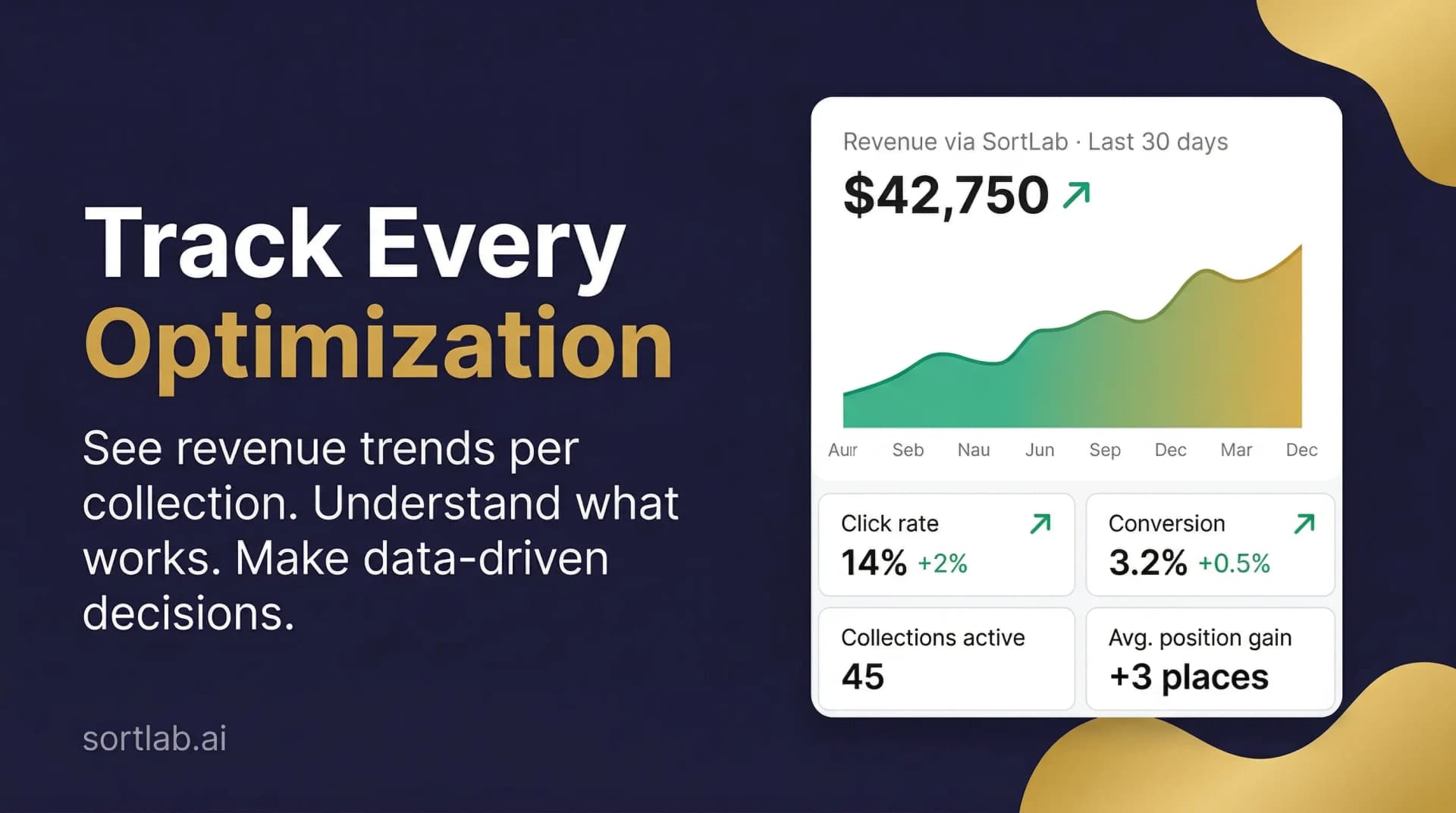
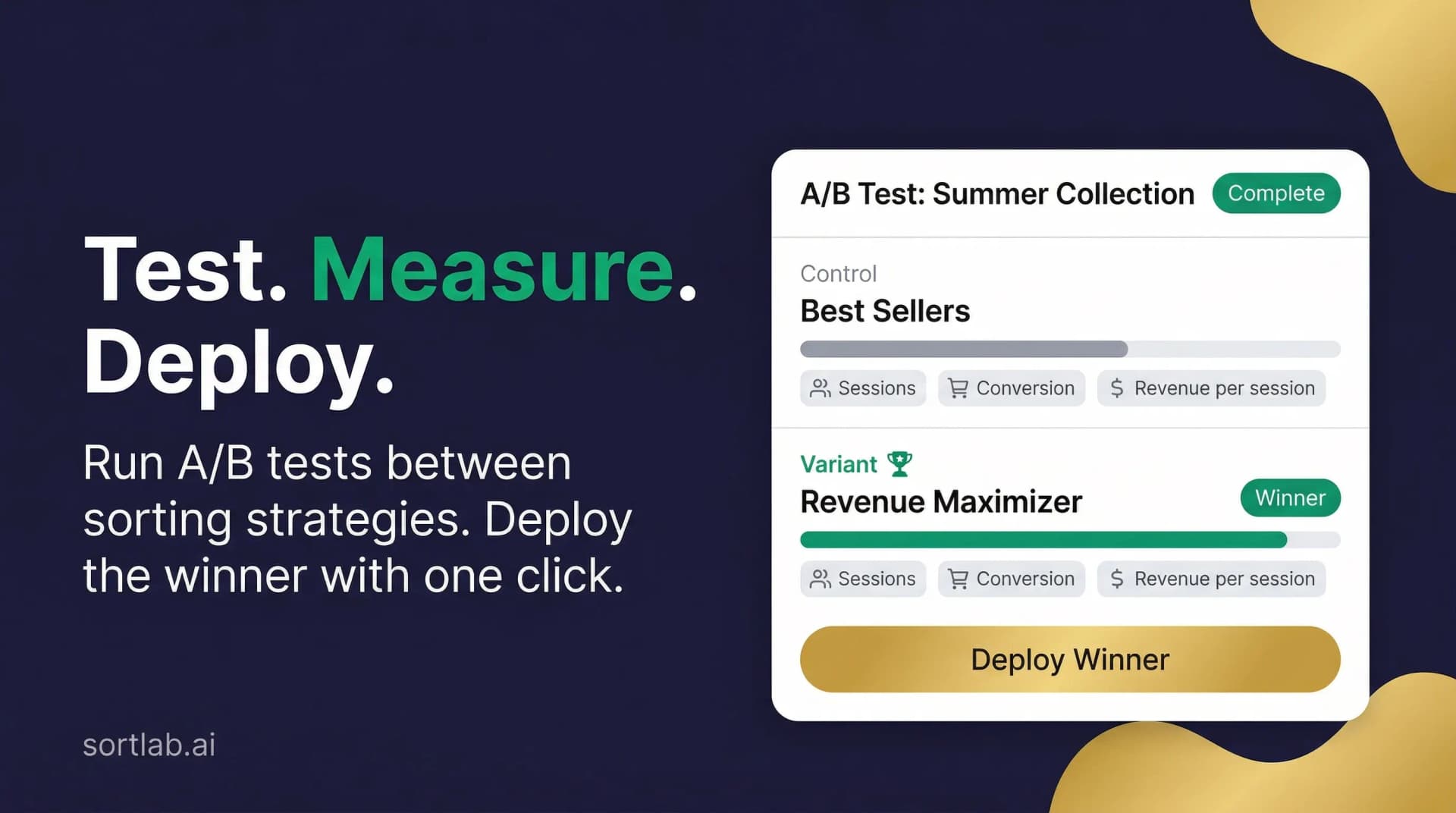
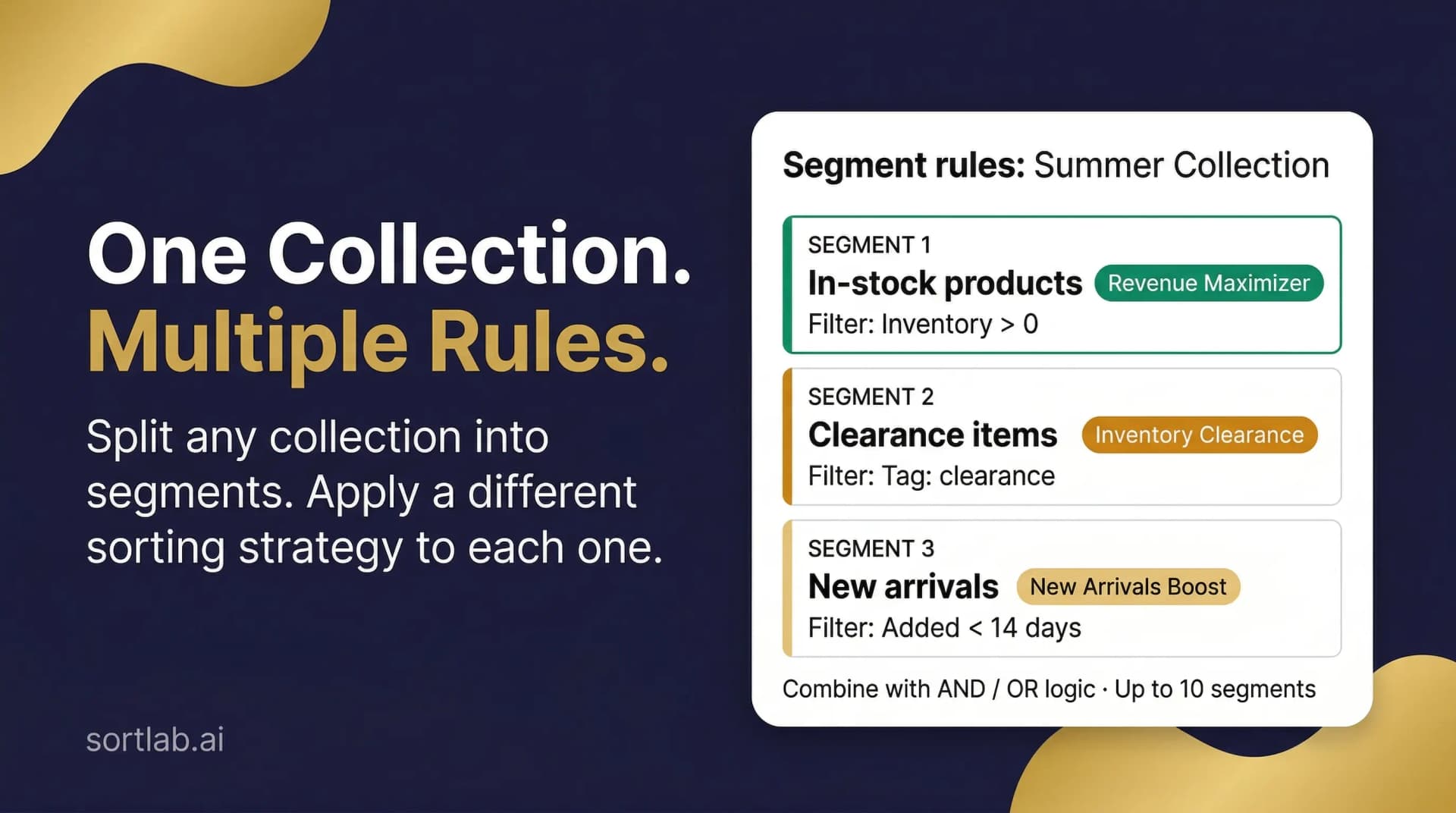
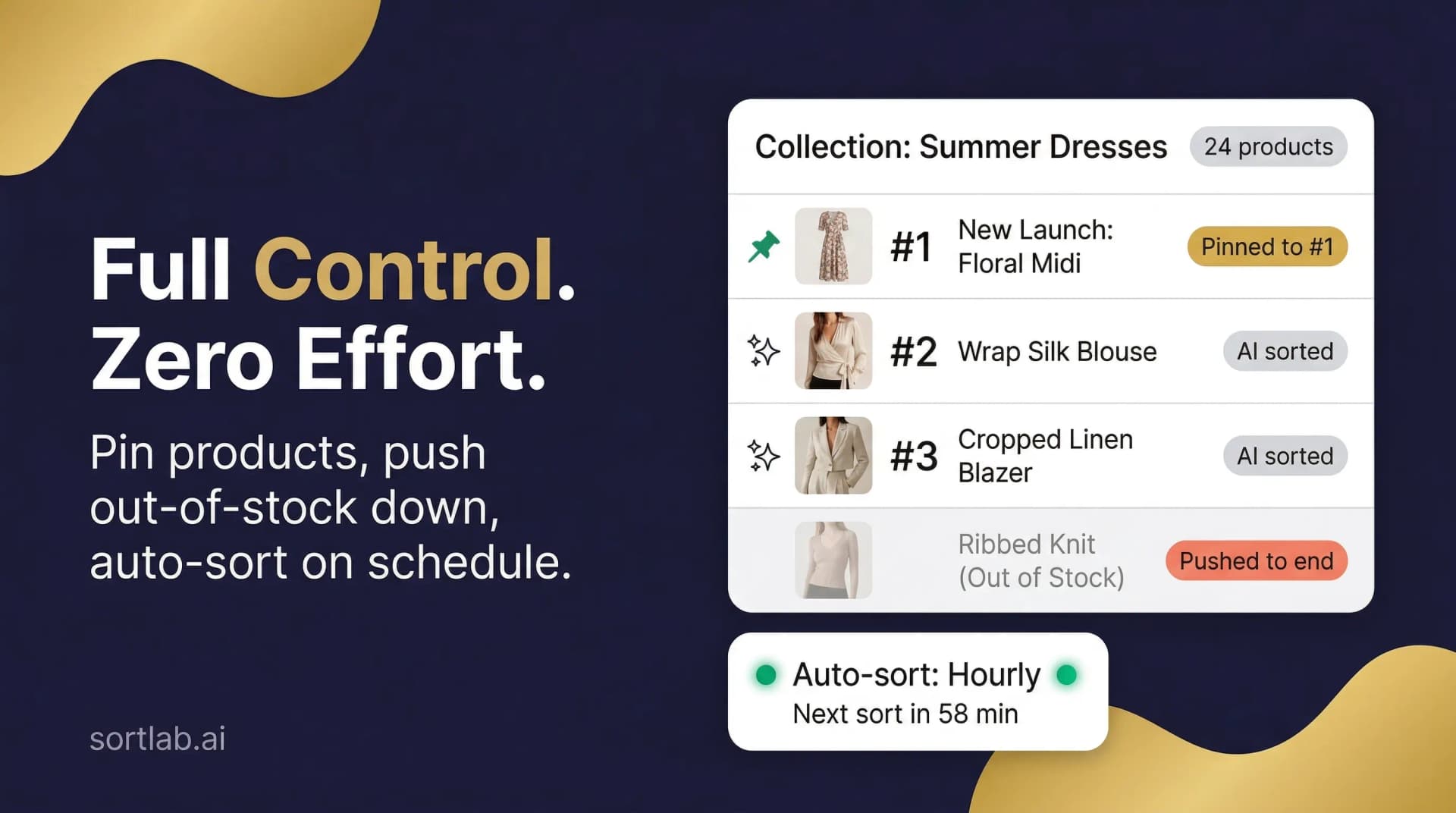
Common Questions
Quick answers
The questions we hear most often — answered directly.
How do I get started after installing SortLab?
Open SortLab from your Shopify admin, select a collection, choose a sorting strategy (we recommend Revenue Maximizer for most stores), and set your schedule. Your first sort runs immediately — no waiting.
Will SortLab override my manual product order?
Only on the collections you configure. SortLab never touches collections you haven't explicitly set up. You can also pin specific products to fixed positions so they're never moved.
What should I do if a collection isn't being sorted?
First check the collection's status in the SortLab dashboard — it should show 'Active'. If it's paused, click Resume. If it shows an error, it's usually a permissions issue that resolves itself within the hour, or you can reach out via live chat.
Does SortLab slow down my Shopify store?
SortLab changes product order via Shopify APIs and does not modify your theme files or add theme scripts. It uses Shopify's Web Pixels API for analytics signals.
Get in Touch
Still need help?
Our team is small and responsive. Pick the channel that works best for you.
Live Chat
Chat with us directly — fastest way to get unstuck.